
Remote desktop software
for UK teams.
TeamViewer & AnyDesk alternative — predictable GBP pricing
DeskZap is remote PC access software for UK teams. Connect to any Windows, macOS or Linux computer from anywhere, just like you're sitting in front of it. Deploy remote desktop in under 5 minutes, no IT degree required. Whether you're a remote worker logging into your office PC, a freelancer on the road, or an IT team supporting hundreds of machines.
NO CREDIT CARD · 7-DAY TRIAL · CANCEL ANYTIME
My computers
Less noise.
More remote work.
What features does DeskZap offer? Six capabilities that decide whether a remote session feels like work or feels like waiting — cross-platform control, file transfer, session recording, multi-user permissions, policy-driven security and advanced device support. Tap any row to preview it.
- F-01
Cross-platform remote desktop
WINMACLINUXSmooth real-time control across Windows, macOS and Linux. Multi-monitor, high-DPI displays, low latency.
- F-02
File transfer & clipboard sync
DRAG-DROPSYNC - F-03
Session recording & history
30-DAYCLOUD - F-04
Multi-user access & permissions
RBACTAGS - F-05
Policy-driven security
E2EESOC-READY - F-06
Advanced device support
USB240FPSWACOM
Cross-platform remote desktop
The fastest cross-platform remote desktop software for Windows, macOS and Linux. Connect to any office PC, home workstation or Linux server in seconds, with native multi-monitor support, 4K high-DPI rendering and sub-15ms latency that genuinely feels local.
Jump into any machine. No account required.
Built for IT consultants, helpdesks and managed service providers. Provide attended quick-support sessions, or pre-install Deskzap Host for permanent unattended access, without making your end-users sign up.
- Skip the firewall dance. NAT traversal built-in.
- One-time 9-digit codes for ad-hoc support.
- Mass-deploy via MSI / installer with custom branding.
- Full session recording for audit & compliance.
From zero to first session in less than 5 minutes.
Deploying remote desktop software shouldn't start with firewall configuration and procurement delays. Deskzap runs on a single VPS and deploys in under five minutes from sign-up to first session. Create a workspace, install the operator client, add a remote machine and connect with AES-256 encrypted remote access. No VPN, no firewall rules, no infrastructure tickets. Built for UK teams that need secure remote desktop ready on day one.
Create your workspace
Sign up. Your remote access environment is ready immediately.
Install Deskzap Connect
Operator client on the device you'll connect from. See your machines instantly.
Install Deskzap Host
On the computer you want to access remotely: home PC, office, team device.
Start a session
Click connect. Work as if you were sitting in front of it.
Built for every kind of remote worker.
Working from home
Remote PC access from anywhere — connect to your office computer and keep your workflow uninterrupted. Zero technical knowledge required. Connect in a few clicks.
Freelancers & professionals
Remote desktop for freelancers — connect to your main workstation while travelling. Move files and control apps as if you were there, every tool, every project, always within reach.
Teams & businesses
Remote access software for small business and growing teams. Give staff secure access to the machines that power their work. Manage devices, users and permissions from one control plane.
AI that does the busywork of support.
Automatic session summaries, insight dashboards and an in-session assistant — built in, and a fraction of the price of the incumbents.
Every session, documented for you.
The moment a session ends, DeskZap writes up the issue, the steps you took and how it was resolved — with smart tags and an audit-ready record. Editable and verifiable, so you approve what becomes team knowledge.
See the patterns behind your support.
Dashboards that surface recurring issues, resolution times, session volume and workload across your team. It builds itself from your sessions, so you can fix systemic problems instead of firefighting tickets.
An expert in every session.
Ask CoPilot inside a live session. It draws on device context and your team's past resolved cases to suggest proven fixes, and cites where each answer comes from. Available as an add-on on Advanced.
Run on cost-effective or self-hosted AI models, so your session data can stay in your region.
A data-residency and price advantage the incumbents don't offer. AI Session Insights and Analytics are included from the Business plan; the CoPilot AI assistant is available as an add-on on Advanced.
Quieter pricing. Heavier features.
How does DeskZap compare to TeamViewer, AnyDesk and Chrome Remote Desktop? See the feature-by-feature breakdown across deployment speed, security, pricing model and enterprise features.
| Feature | Deskzap | TeamViewer (per-seat) | AnyDesk (per-device) | Chrome RD (free, limited) |
|---|---|---|---|---|
| Time to deploy | 5 minutes | Hours / VAR support | 30+ minutes | Browser only |
| Windows, macOS & Linux | Partial | |||
| Unattended access without end-user account | ||||
| Quick support code (no signup) | ||||
| Browser-based access (no install) | Partial | |||
| Multi-monitor + high-fidelity audio | Partial | |||
| USB redirection & Wacom Bridge | Add-on | Add-on | ||
| Session recording (cloud archive) | Enterprise tier | Add-on | ||
| SSO (OIDC / SAML) | Enterprise | Enterprise | Google only | |
| API keys & signed webhooks | Enterprise | Enterprise | ||
| Audit log & role-based access | Higher tiers | Higher tiers | ||
| AI session summaries & analytics | Included from Business | Paid add-on | ||
| AI in-session assistant (CoPilot) | Advanced add-on | Paid (Tia) | ||
| Self-hosted / region-locked AI | ||||
| Self-host option (single VPS) | ||||
| Predictable per-user pricing | From £50/yr | Per-seat, surprise renewals | Per-device, complex | Free, limited |
Trusted by teams that can't afford downtime.
Honest feedback from the professionals, teams and IT leads running Deskzap in production.
We moved off a big-name remote tool that kept billing us for seats we didn't use. Deskzap was live across the studio in an afternoon and the connection actually feels local. Finally something that just works.

I support about 40 small business clients on my own. Deskzap lets me jump into any of their machines without the usual firewall dance. Saves me an hour a day, easily.

Our engineers work from four time zones. Being able to hop onto a workstation with real multi-monitor support, low latency and proper file transfer is the difference between finishing a build and waiting for one.

Remote access decisions, without the fog.
Practical resources for UK teams comparing remote desktop tools, planning secure access and rolling out support workflows.
TeamViewer Alternative UK
Compare DeskZap and TeamViewer for UK teams that need predictable pricing, unattended access, audit controls and self-hosted remote desktop options.
GDPR Remote Desktop
A practical guide to choosing GDPR-conscious remote desktop software, including encryption, audit logs, access controls, data residency and self-hosting considerations.
Deploy Remote Desktop in 5 Minutes
A practical 5-minute rollout guide for setting up secure remote desktop access for a user, a small team or an IT support workflow.
AnyDesk Alternative UK
Compare DeskZap and AnyDesk for UK teams that need fast connections, unattended access, transparent GBP pricing and self-hosted remote desktop options.
Chrome Remote Desktop Alternative
Compare DeskZap and Chrome Remote Desktop for UK teams that need multi-monitor support, file transfer, unattended access and team management features beyond browser-based access.
Remote Desktop Software Comparison
A detailed comparison of the leading remote desktop tools for UK teams in 2026, covering pricing, features, security, deployment speed and self-hosting options.
Field notes for remote teams.
A publishing home for practical posts about remote desktop software, remote IT support, security and working from anywhere.
Built for a post every other day.
The structure is ready for topical authority: comparisons, security explainers, IT support workflows and remote-work advice that links back to DeskZap features.
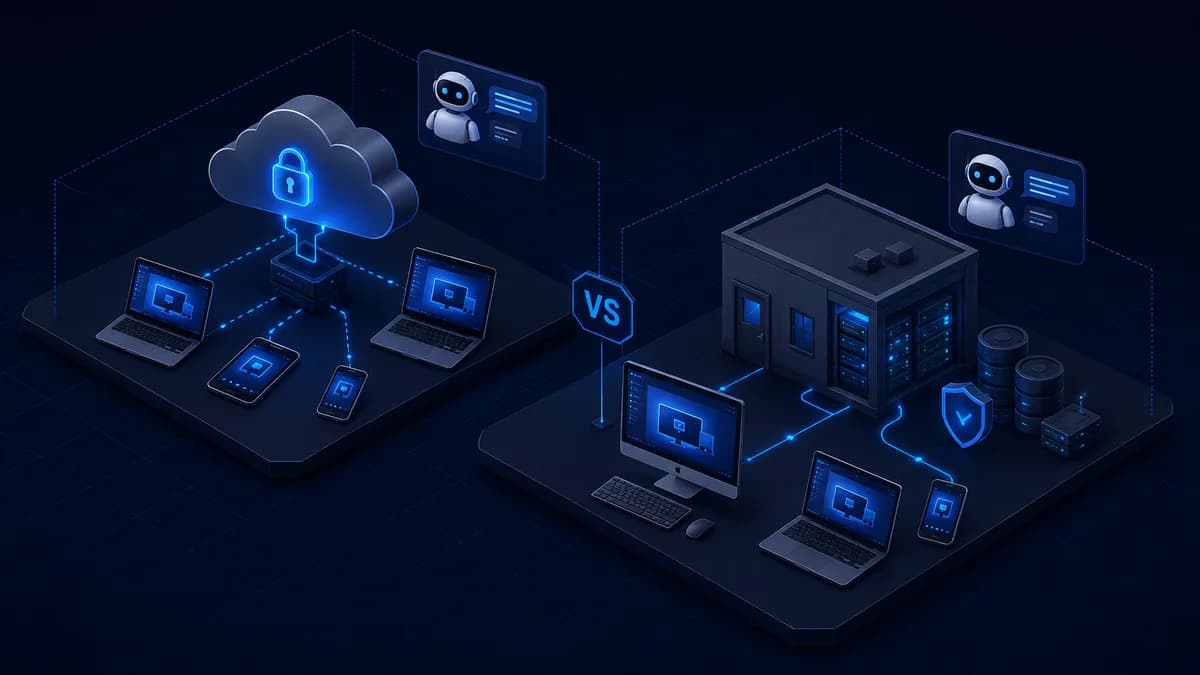
TeamViewer Intelligence alternative
A practical comparison of TeamViewer Intelligence and DeskZap's AI for remote support — session summaries, analytics and an in-session assistant — for UK teams that want the same AI features at small-team pricing, with the option to keep data in their region.

AI session summaries
How AI session summaries automatically document remote support sessions — the issue, the steps taken and the resolution — so IT teams save time, build a searchable knowledge base and keep audit-ready records.
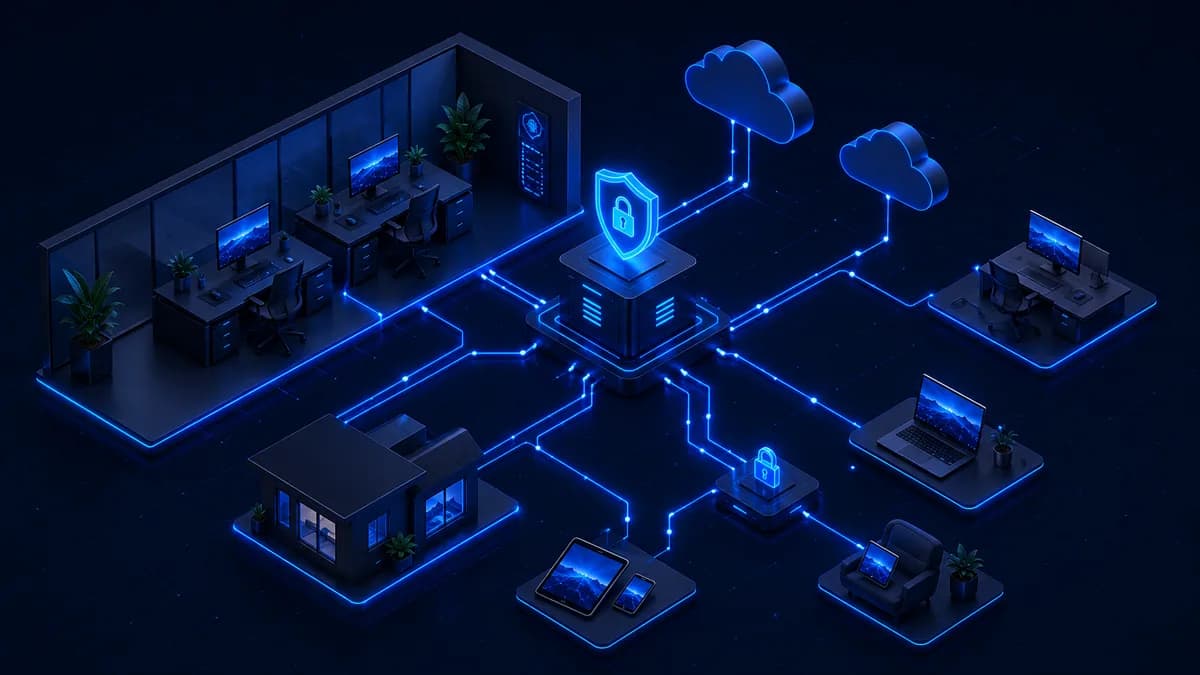
Remote desktop for small business
A practical guide to choosing remote desktop software for UK small businesses — covering pricing models, deployment speed, security requirements, team management and how to avoid the enterprise-tool trap.
How much does DeskZap cost?
Simple, transparent per-user pricing from £50/year in GBP. Three plans with no per-device fees, no surprise renewals and no seat-counting games — just predictable annual billing for individuals and growing teams.
Great for personal use and accessing your own computers from anywhere.
- Up to 2 managed computers per user
- File transfer
- Remote print
- Audio
- Session logging
- Session recording (30-day retention)
- Clipboard sync
Ideal for teams that need shared access, collaboration and management features.
- Up to 10 managed computers per user
- Multi-monitor support
- Remote wake & reboot
- Multi-user management
- Share my desktop
- Chat & remote script execution
- Device tagging & grouping
- Granular user permissions
- DeskZap Intelligence: AI Session Insights & Analytics
For demanding users who need high performance, advanced features and full control.
- Everything in Business
- USB device redirection
- Microphone passthrough
- 240 fps & 4:4:4 colour
- High-fidelity audio
- Remote stylus & Wacom Bridge
- Cloud archive recording
- API access & Webhooks
- Custom branding on installer
- No concurrent session limit
- DeskZap Intelligence: AI Session Insights & Analytics
- CoPilot AI assistant available as an add-on
Copilot AI Assistant
Live, in-session AI troubleshooting that learns from your team's resolved cases. Add it to any Advanced plan.
- In-session AI assistance grounded in your history
- Suggests & cites proven fixes from past sessions
- One add-on covers the workspace
- Requires an Advanced plan
Common questions.
Still curious? Email hello@deskzap.co.uk.
Your devices.
One click away.
Wherever you go.
Whether you're working remotely, supporting clients or managing your own systems, Deskzap gives you fast, secure access without the complexity.
NO CREDIT CARD · 7-DAY TRIAL